

ReelForge

Drop a raw talking-head clip. Get a captioned, AI-edited reel back — in about a minute. AI cuts the dead air, false starts, and filler words. You pick the style.
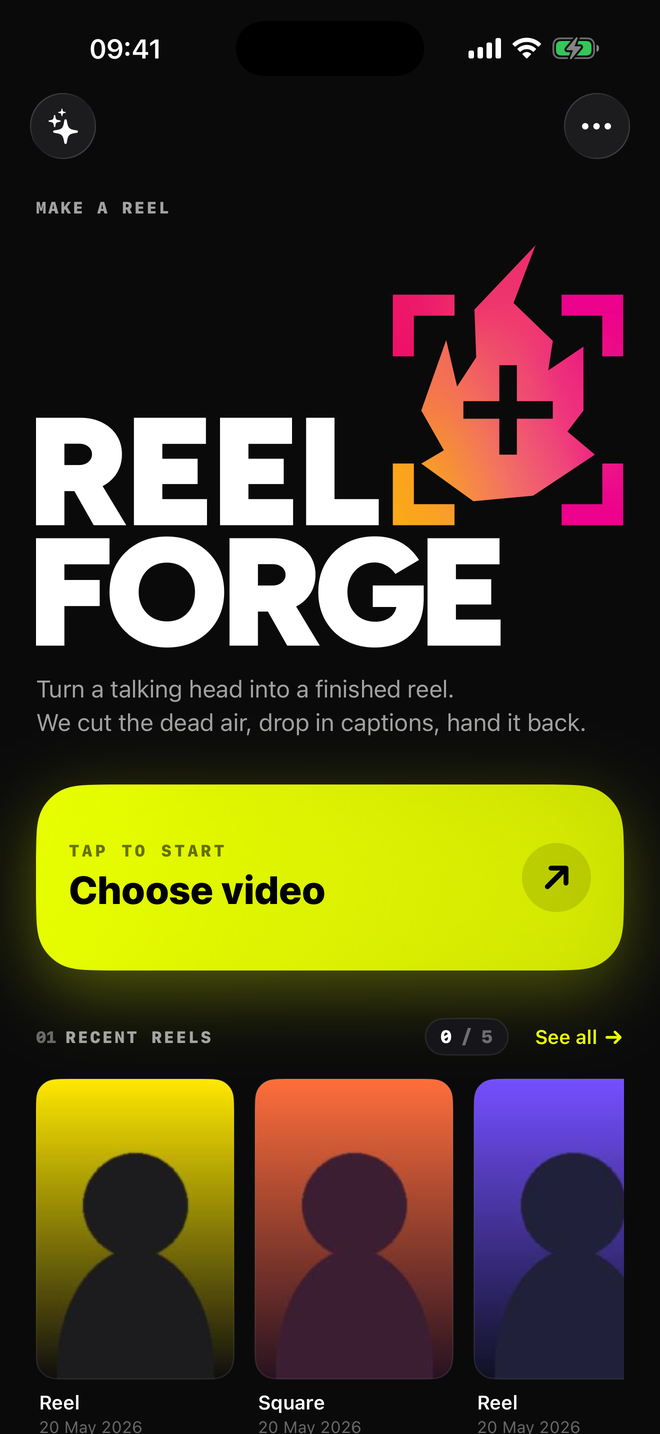
ReelForge home screen with a recent renders strip
01 How it works

Three taps from raw clip to finished reel.

No timeline, no edit decisions. Film yourself talking, pick a look, tap render. ReelForge does the rest server-side and hands you back an MP4.

01 · DROP

Pick your clip.

Choose a video from your camera roll. Up to 4 GB, any format your phone shoots.

02 · STYLE

Pick a look.

Caption style, colour, font, output format. Four caption looks, six fonts, three aspect ratios.

03 · GO

Get a finished reel.

AI transcribes, cuts the filler, renders captioned video. Save to Photos, share anywhere.

02 What you control

Picky enough, never fiddly.

Every option that matters is one tap away. Defaults are good, but you can rebrand the entire output without leaving the style screen.

CaptionHighlight · Bounce · Typewriter · Minimal
PositionTop · Middle · Bottom
FontInter · Poppins · Montserrat · Bebas Neue · Anton · Playfair Display
ColourAccent + text colour, any hex
FormatReel 9:16 · Square 1:1 · Landscape 16:9
EditingLight · Balanced · Aggressive
LengthAuto · 30s · 60s · 90s · 2 min
AI cutsOn (default) — or skip and keep the full clip
03 Pricing

Free to try. Pay once or subscribe.

Five free renders a month, watermarked. Pay £5.99 once to lift the watermark and bump the cap to 30. Or skip the cap entirely with a subscription.

Free
£0
forever

Five videos a month. ReelForge watermark in the corner. Try the full pipeline before committing.

Unlimited
£1.99 / mo
or £14.99 / year

No watermark, no cap. Cancel anytime — you keep every reel you've already made.

04 Questions

The boring necessary stuff.

What does the AI editor actually do?
It transcribes the audio, then has Claude read the transcript and decide which segments to keep. Filler ("um", "uh"), false starts, long pauses, and obvious throat-clearing get cut. You can dial the aggressiveness from Light to Aggressive, or skip cuts entirely and just get captions on the full clip.
Where does my video go? Is it stored?
Your clip is uploaded to our render server, processed, and the source file is deleted after the render finishes. The rendered MP4 sits in temporary storage for up to 48 hours so you can re-download it, then it's swept automatically. The audio is sent to Groq for transcription and the transcript is sent to Anthropic for edit decisions — neither receives any identifier beyond what's needed for the call. Full detail on the privacy page.
How long does a render take?
Roughly the length of your clip, plus 20–30 seconds for transcription and edit analysis. A two-minute talking head usually comes back in under two and a half minutes total. Longer clips and more aggressive edits take a bit more.
What's the difference between Lifetime and Unlimited?
Lifetime is a one-time £5.99 unlock. No watermark, 30 renders a month, no expiry. Unlimited is a subscription (£1.99/mo or £14.99/yr) with no monthly cap. If you make less than 30 reels a month, Lifetime is a much better deal — buy it once and forget about it. If you're hitting 30+ a month, Unlimited Yearly is the cheapest path.
Can I cancel my subscription?
Yep. Settings → Apple ID → Subscriptions on your iPhone. If you cancel mid-period it stays active until the period ends. You keep every reel you've already rendered.
Does it work on iPad?
Yes — the app is universal. iPad runs the same pipeline; the layout adapts to the larger screen. Camera roll picker, render queue, and library all work the same way.
Why isn't there a watermark-free free tier?
Each render costs us real money — Groq for transcription, Anthropic for editing, our own GPU time for rendering. The free tier covers your first five renders a month so you can decide if it's worth £5.99 to you. We'd rather be honest about the cost than run on goodwill and shut down in six months.